Domains
When you first install the Sucuri plugin, you will be prompted to add your first domain. You can add as many domains as you like, and manage them all from the same interface.
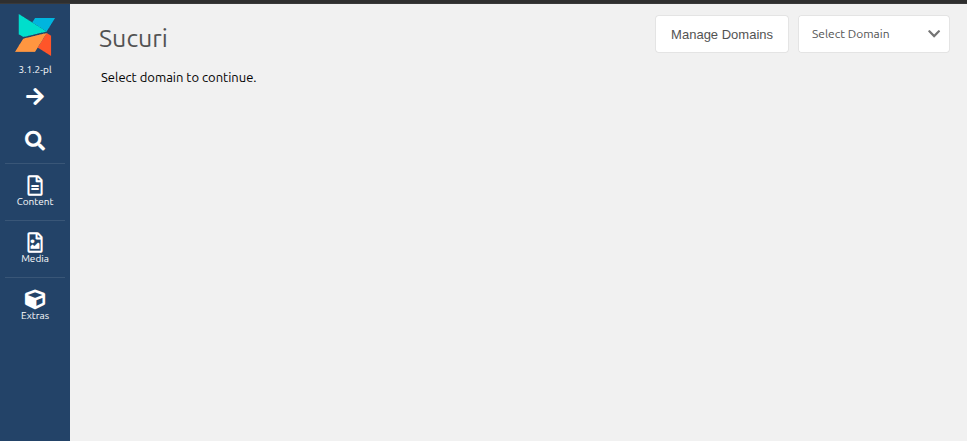
To create a new domain, click the "Manage Domains" icon in the top right corner.
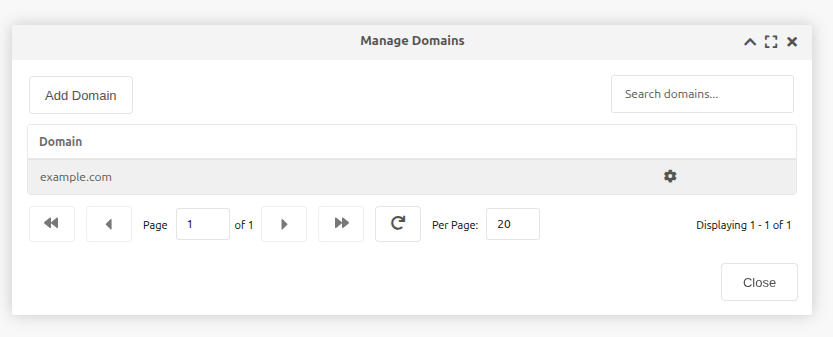
This will open a window with a list of your domains. To add a new domain, click the "Add Domain" button.
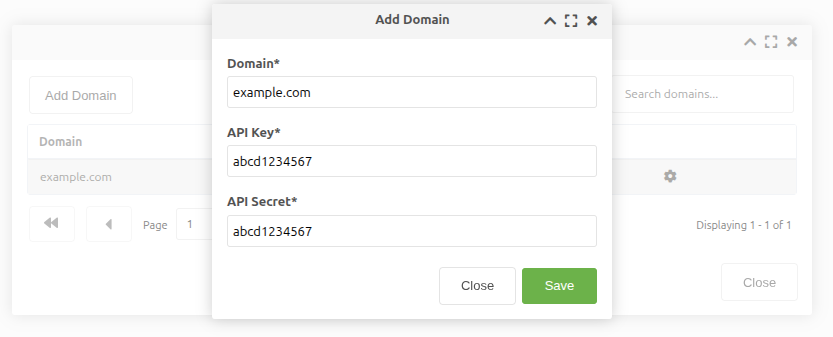
This will prompt you to enter your domain name, API key, and API secret. You can find your API key and secret in your Sucuri firewall account under "API".
Each domain will have its own API Secret. This allows you to manage multiple domains with different API credentials if needed.